▣
Production-ready layouts
Slide-first, presenter-first, top or bottom titles, and two-person interview scenes, with 16:9 and 4:3 slide support.
LAYOUTSBring slides, presenter video, course titles, and local live captions into one polished OBS layout. Change lessons, presenters, and visual styles from a single control panel.
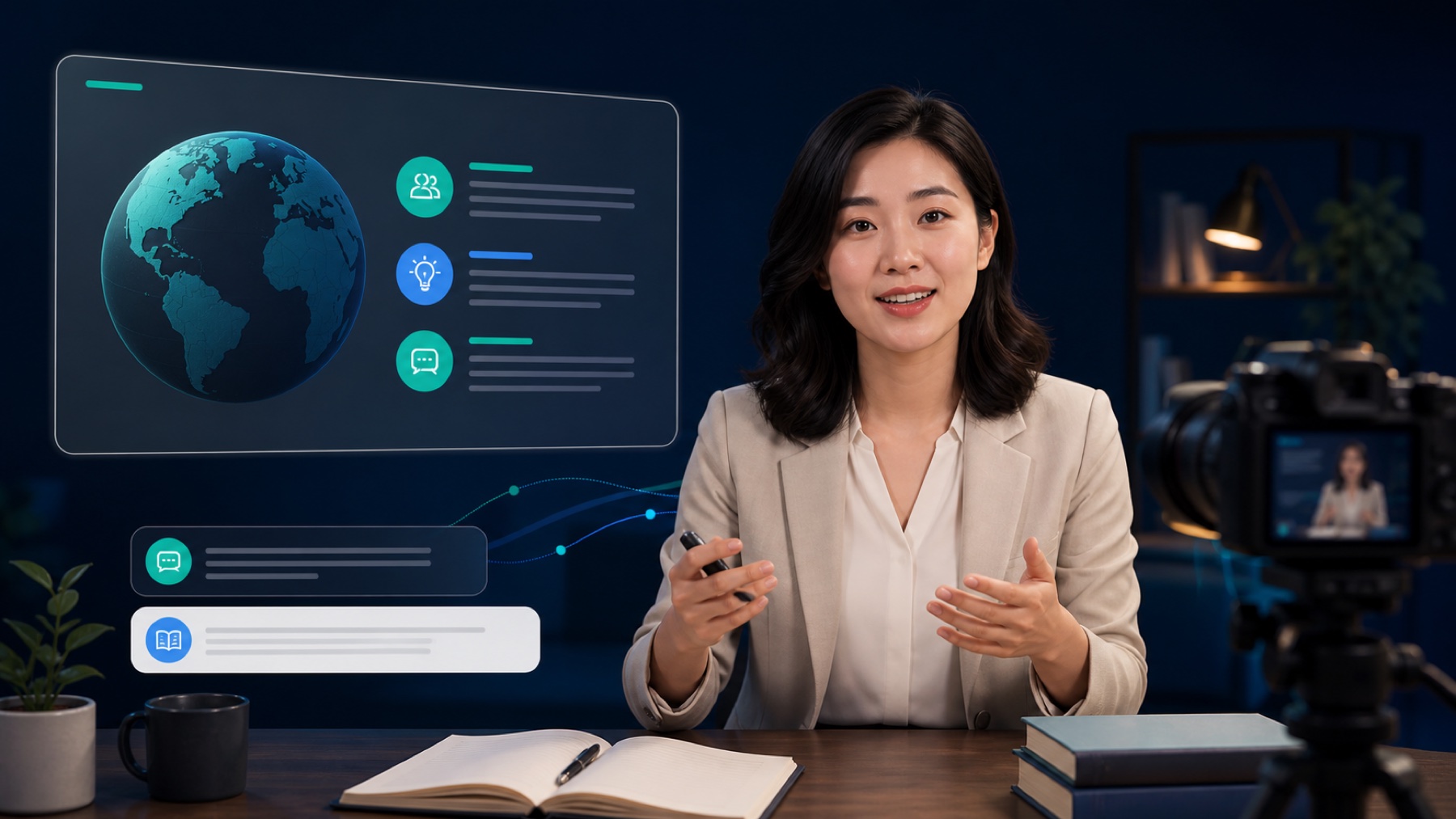
A focused workflow for classes, talks, interviews, and online sessions—keeping OBS flexible while reducing repetitive layout work.
Slide-first, presenter-first, top or bottom titles, and two-person interview scenes, with 16:9 and 4:3 slide support.
LAYOUTSUpdate the title, subtitle, presenter, colors, background, and typography without rebuilding every OBS layer.
CONTROLSpeech recognition runs on the configured Mac, so lesson audio does not need to be sent to a cloud captioning service.
CAPTIONSSwitch cameras and slide sources, refine framing, and adjust basic color controls from one place.
OBSPreviously loaded layouts and the latest settings remain cached locally, helping the current OBS output survive brief service interruptions.
LOCALUse a curated set of Chinese typefaces, color systems, and backgrounds for formal classes, children’s content, events, and themed sessions.
DESIGNPick the right layout for your slide format and number of presenters.
Update titles, presenters, backgrounds, and visual style, then preview the result.
Assign camera and slide sources in OBS, then enable local captions when needed.
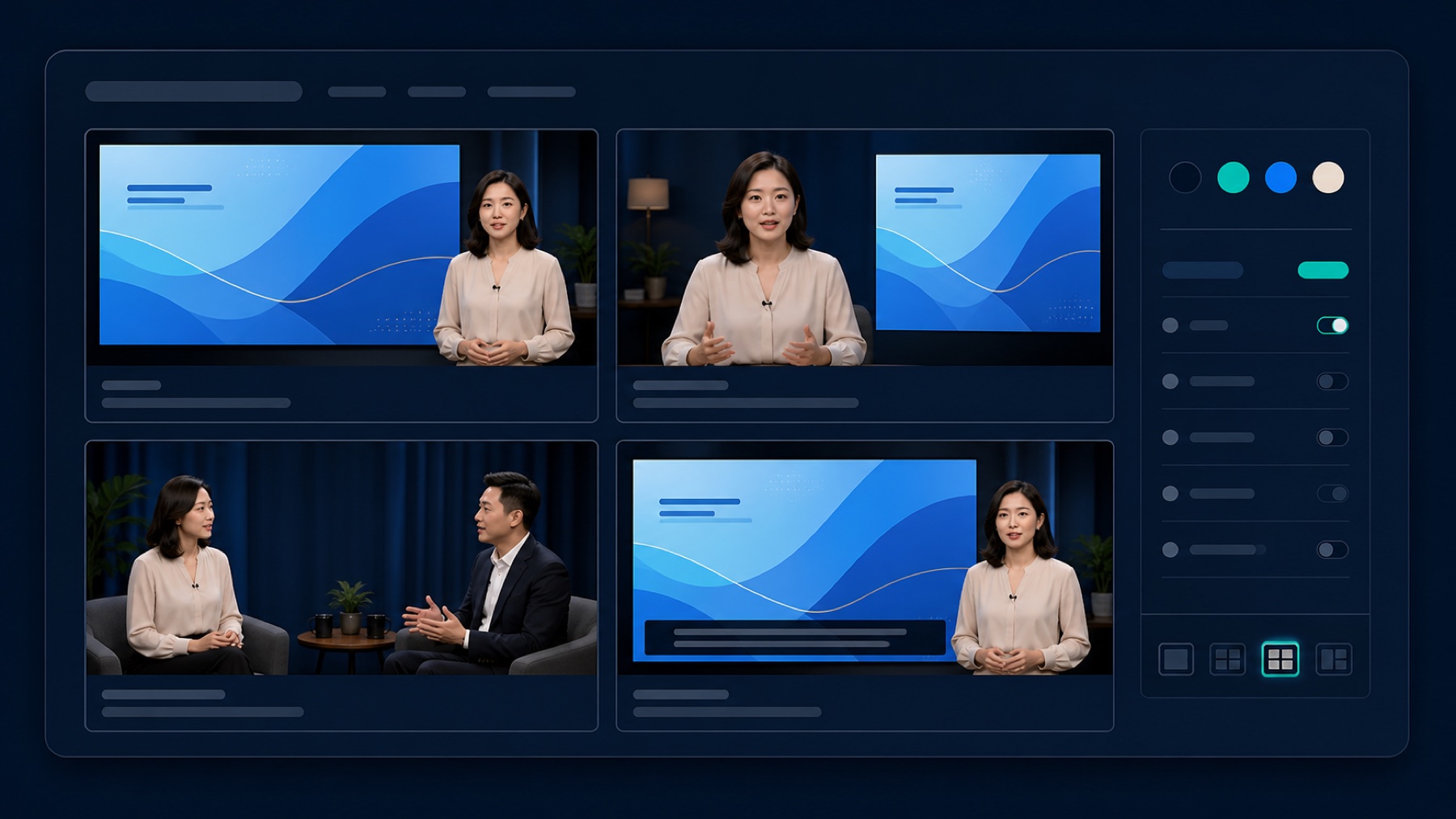
Caption recognition, lesson settings, and OBS controls are designed to run on the configured computer and local network. This public website exposes no control surface and stores no transcripts.
Courscene is currently provided through project-based setup. Contact support to assess classroom hardware, OBS scenes, and caption configuration.
Visit support